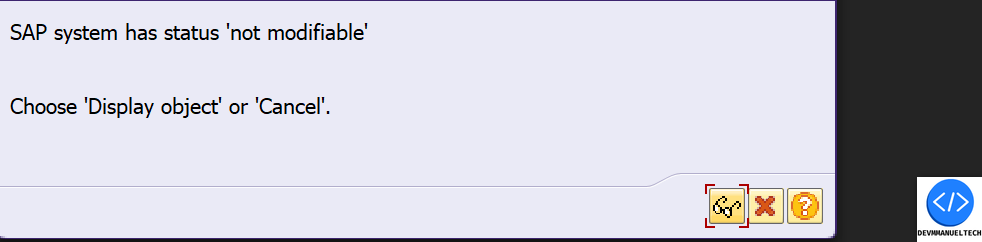
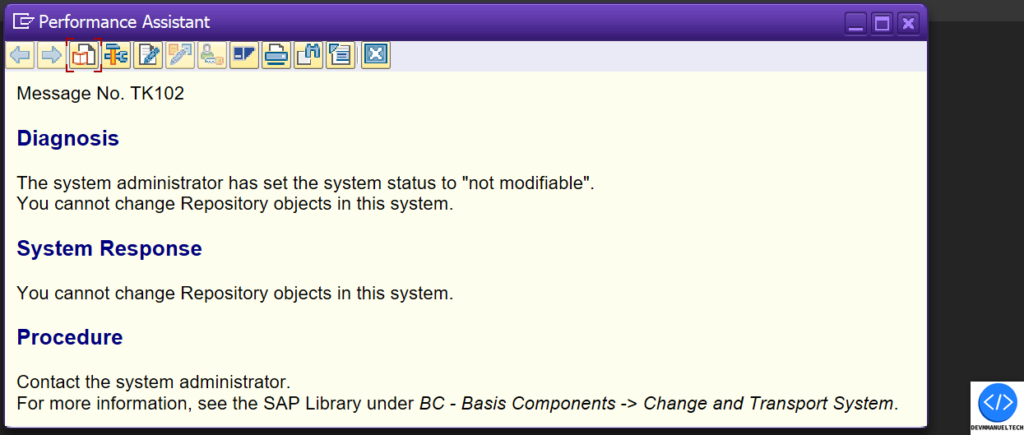
How modify a SAP ABAP Object direct in QAS Enviroment Dejar un comentario / ABAP, DEBUG / Por emmanue.lopezd7@gmail.com NOTE: ! Important, I don’t recommend to do this, i doing this only for educative purpose, i don’t do responsible if you do something in your system ¡. When we try modify a ABAP object in a no Development System like QAS, we gonna recieve the next message. That’s because the System has the check, for a no modificable client. But there is a way to modify a ABAP Object, we only need Permission for change values of variables for DEBUG. We gonna open the function module TRINT_OBJECTS_CHECK_AND_INSERT and put a breakpoint in the line 777. Then we gonna click in the icon of change in the ABAP Object that we wanna change. In the DEBUG we gonna change the value of 3 variables.system_client_role = Pls_s-curr_setting = Xls_s-cli_dep = X Now you can change the ABAP Object, for save & active the changes you have to do the same action.
How to find the Driver Program for a specific Shop Paper in SAP PM Dejar un comentario / ABAP, DEBUG, SAP PM, Uncategorized / By emmanue.lopezd7@gmail.com