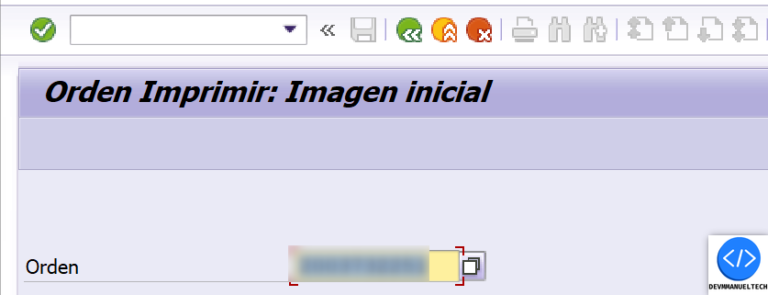
First we gonna the transaction IW3D & Input the Maintenance Order Number
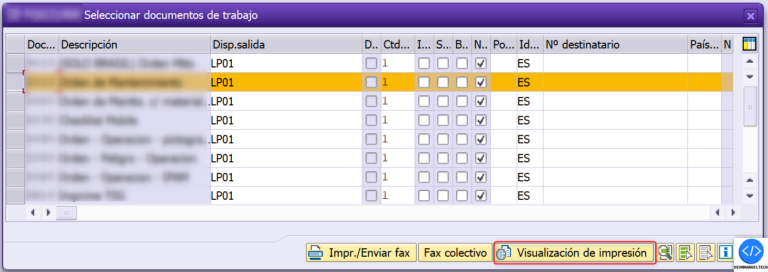
Then we gonna select the Shop Paper that we want to know the driver program & click on the Preview Button.
The Function Module which is responsible of the Print the Shop Paper is the Function Module PM_ORDER_PRINT_CONTROL, we gonna put a breakpoint in this function, in the subroutine print papers is where the Shop Paper is printed.
In the Subroutine print_papers in the line 310 we can see the Driver Program which is used to print the PDF.
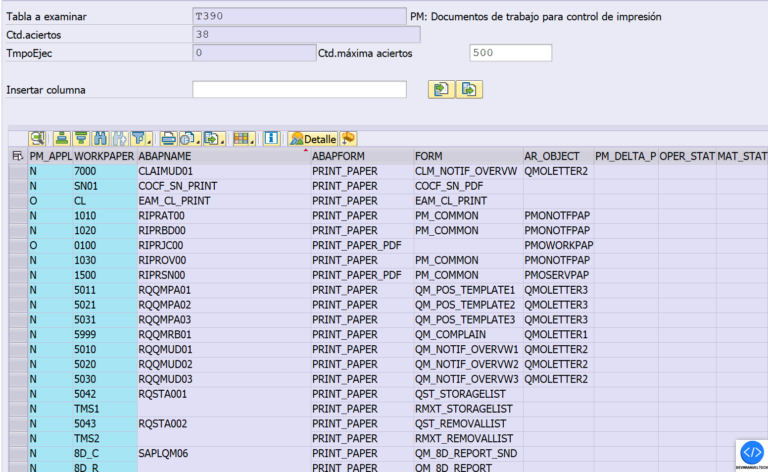
As we can see the driver program & subroutine what is used to print the Shop Paper is stored in the Standard Table T390, we can search directly the Shop Paper in that table & know what is the Driver Program used.