Today we are going to learn how to renew the SAP license for the system ABAP Cloud Developer Trial.
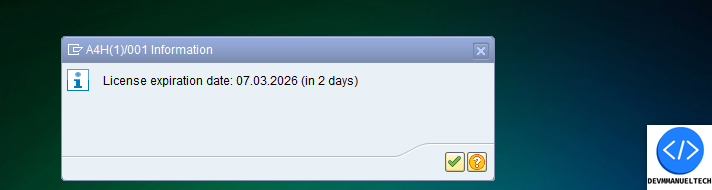
The duration of the license is 3 months. We receive a message like this before the license expires.
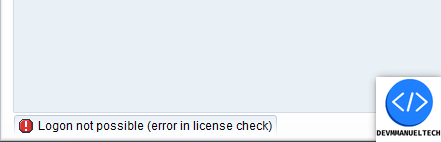
When the license expiration date comes, you will not be able to log in to the System Client 001 with the user DEVELOPER. You will receive the following message.
To resolve this error and be able to develop in our system, we need to generate a new license key.
1.- Get the Hardware Key
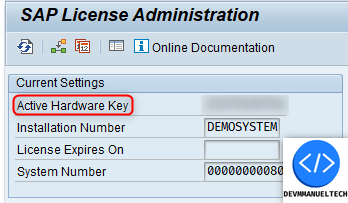
We are going to log in to the System client 000 using the SAP* user. We enter the SLICENSE transaction and copy the Hardware Key. We need it to generate the license key.
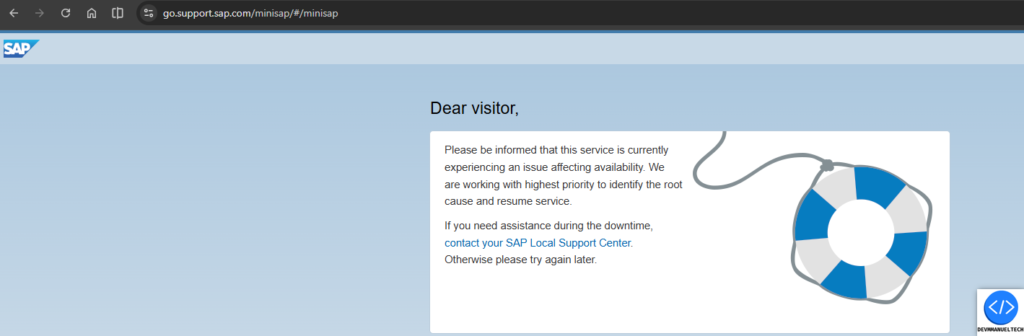
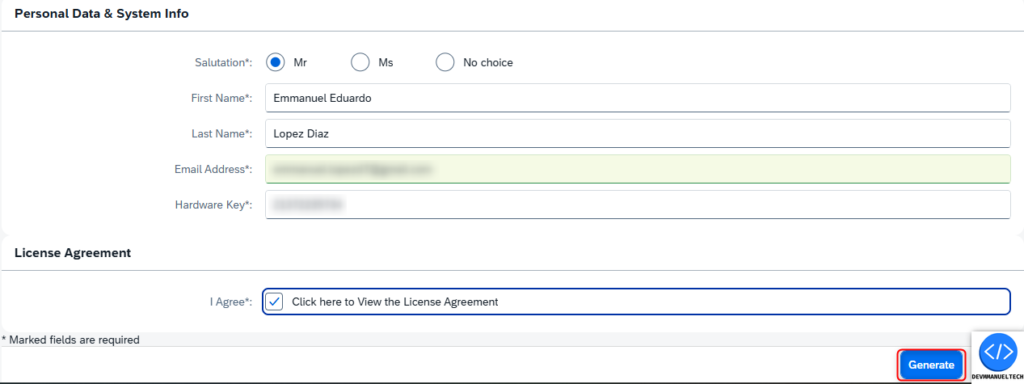
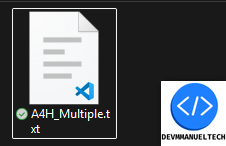
b) We input our personal information, Hardware Key, and agree to the License Agreement. Then we click the Generate button and the license file will be downloaded.
3.- Delete old license
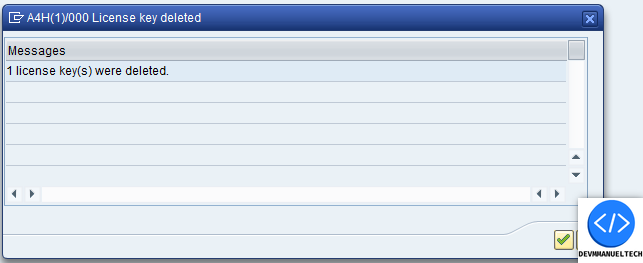
In the SLICENSE transaction, we gonna delete all expired licenses one by one.
Until the section appears empty like this.
4.- Import license File
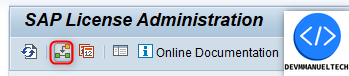
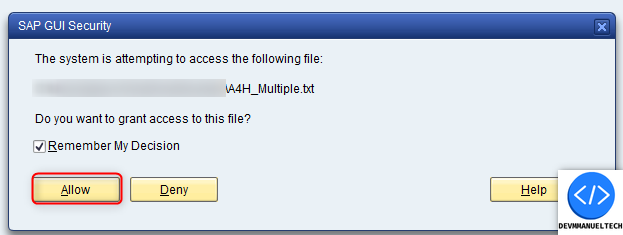
a) Click the following icon or press F6, select the downloaded file & accept the SAP Secuty POPUP
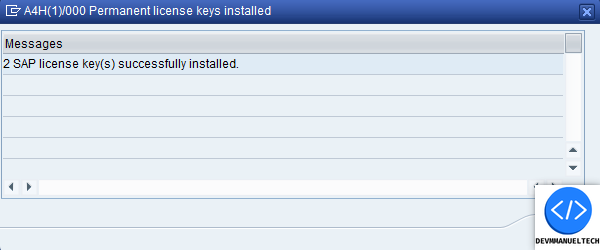
We gonna recieve a message like this after the import the License File